
How to Get the Fastest Quote from RJS Laser
To provide fast and accurate quotations, we require manufacturing ready CAD files.
Clean files allow us to price quickly and competitively. Drawings that require manual interpretation increase time, cost, and risk.
We quote directly from CAD geometry. If we have to interpret the drawing, it is no longer a quote, it is an estimate.
For the fastest response, please send STEP (3D models) or flat pattern DXF files, or use our online quoting tool for simple parts.
Upload Manufacturing Ready CAD
- STEP (3D models) for fastest processing
- Flat pattern DXF at 1:1 scale
- One part per file
- Clean geometry only
These file types allow us to quote quickly and accurately with minimal delay.
For folded or formed parts, STEP (3D) files are required. Flat patterns are generated in-house to suit our tooling and bending process.
No CAD? Create a Part Online
For simple parts, you can draw or upload directly using our online quoting tool and receive pricing without waiting for a manual quote.
If you do not have CAD files, we will be unable to provide an accurate quotation from drawings alone. In these cases, we recommend having parts converted to manufacturing ready files before quoting.
We are happy to point you in the direction of suitable drafting services if required.
Files We Cannot Quote From
The following file types are not suitable for quoting and typically require manual interpretation or redrawing:
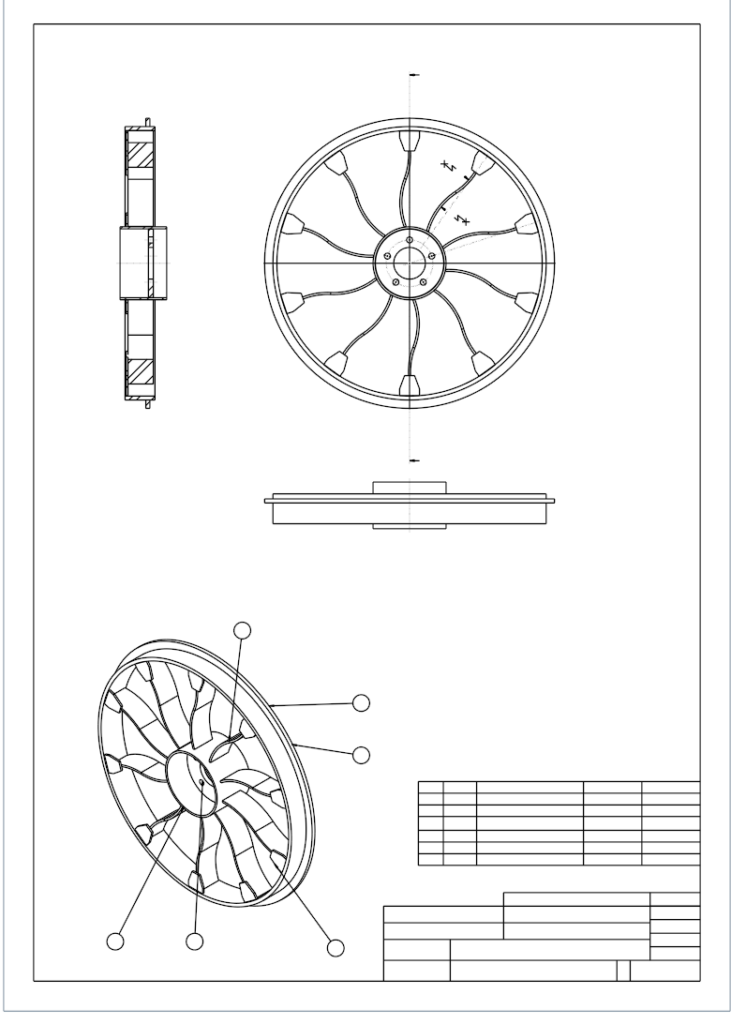
- Assembly drawings exported as DXF
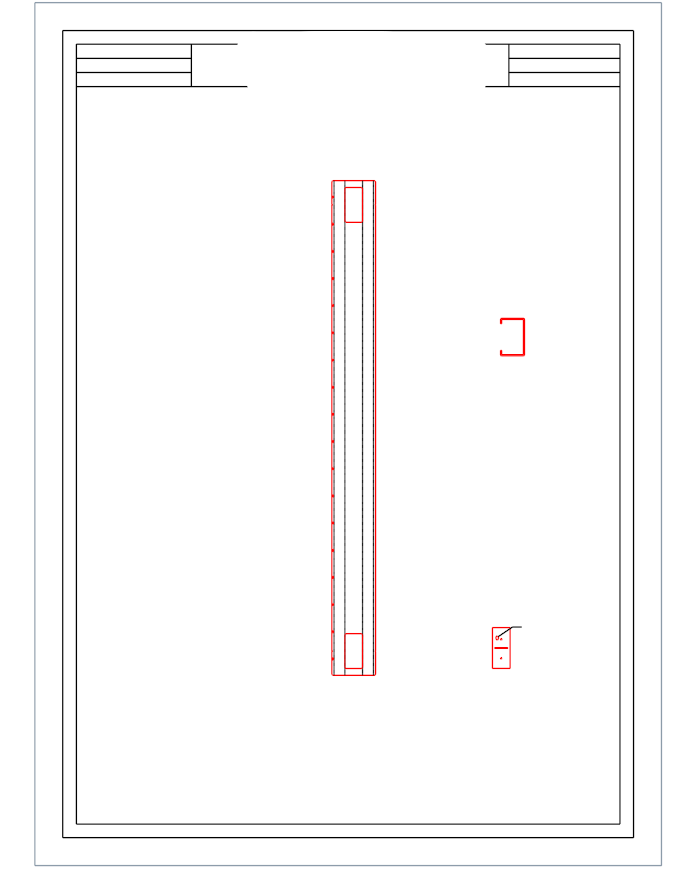
- Multi-view drawings (top, side, and isometric views)
- Files containing dimensions, title blocks, or notes
- PDF only submissions
- Files that require redrawing before manufacture
- Incorrectly scaled files*
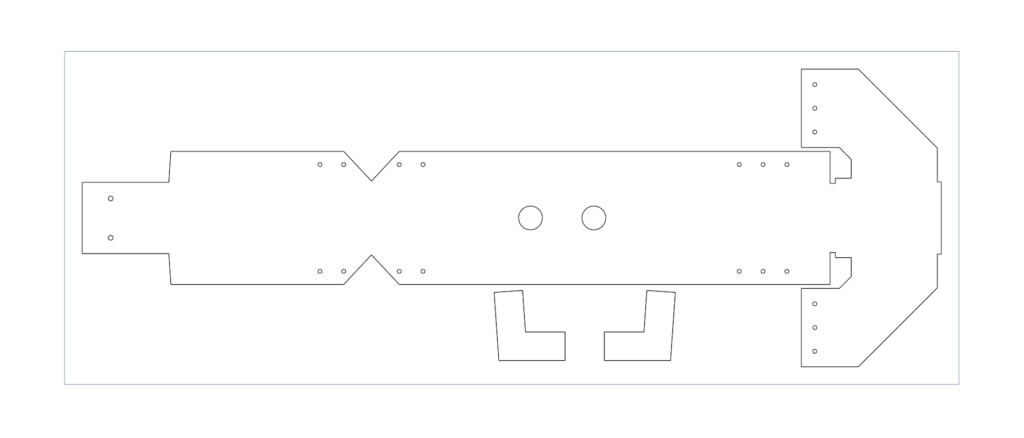
- Multiple parts combined in a single drawing file
- Files exported from paper space or layout view
These file types are not suitable for quoting and will be rejected until resubmitted in a manufacturing ready format.
* All quotations are based on the file data provided. Quoted part sizes reflect the bounding box dimensions (mm) of the supplied CAD. Parts will be produced to this data. It is the customer’s responsibility to ensure all files are correct prior to submission.
Good Files (What We Need)
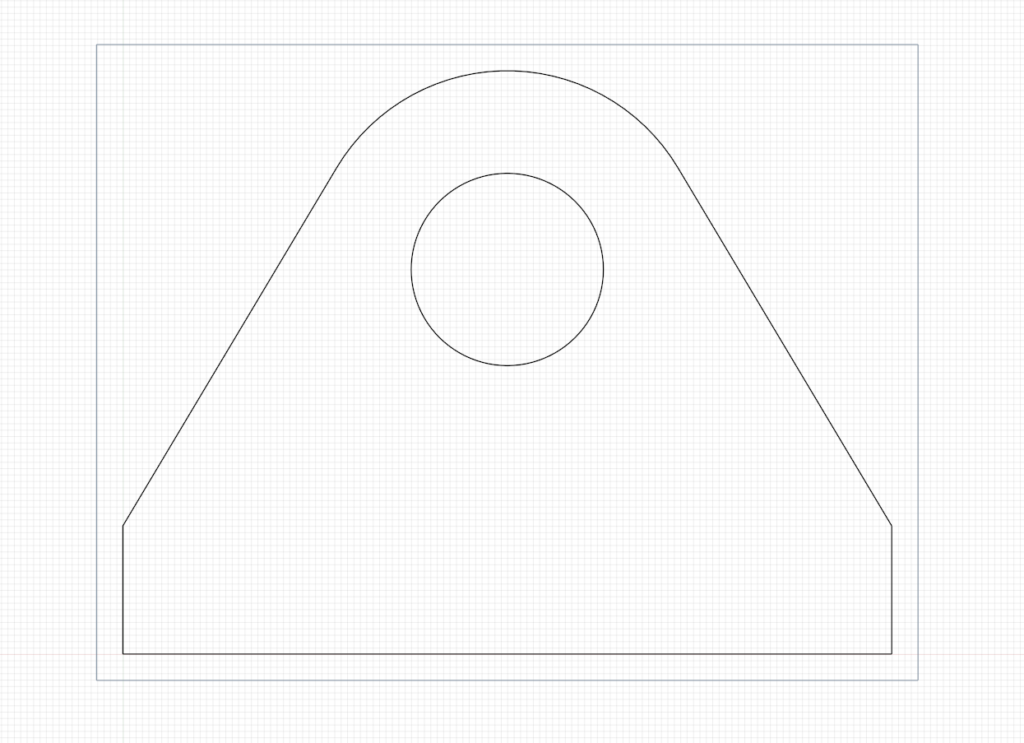
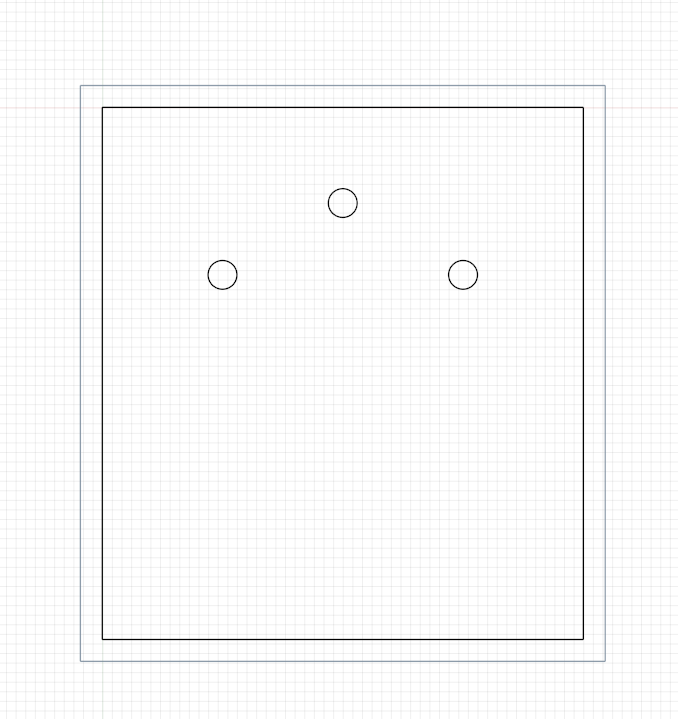
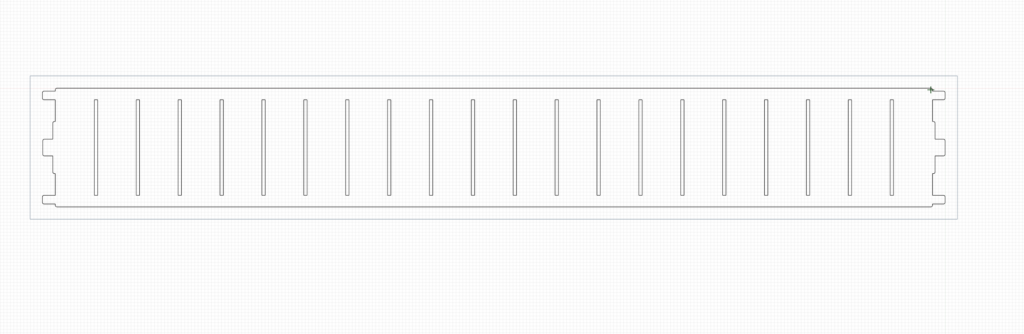
- Single part only
- Clean profile geometry
- No dimensions or notes
- Correct scale (1:1)
- Closed contours (no open profiles)
- No duplicate or overlapping entities
Bad Files (Cannot Be Quoted)
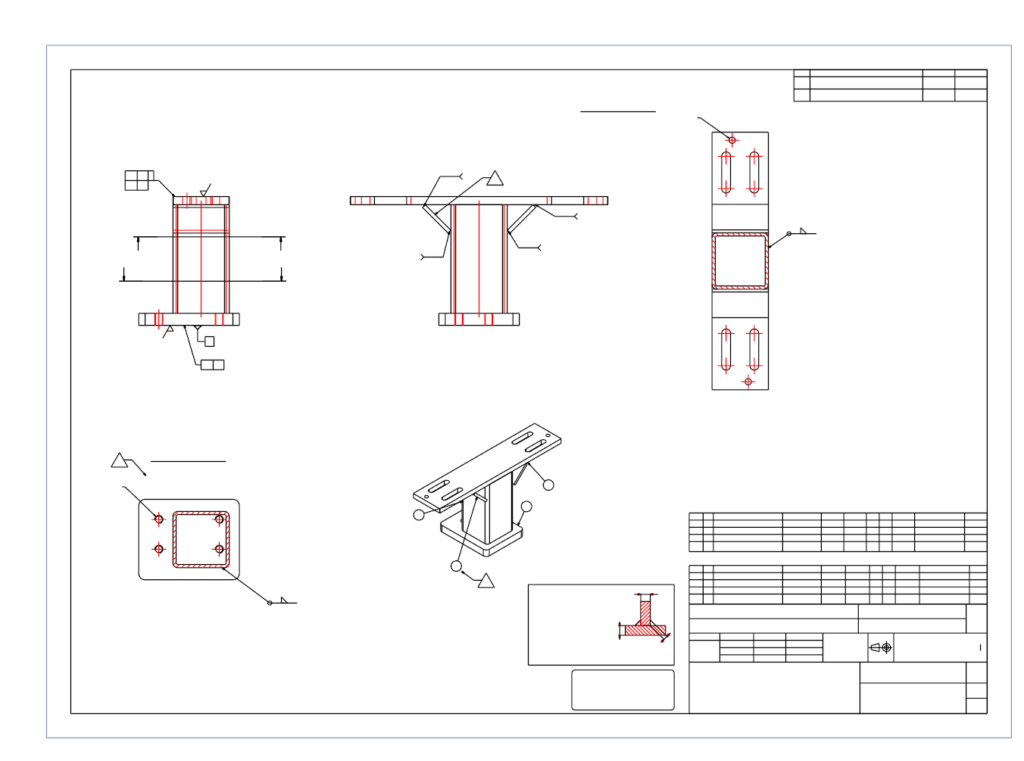
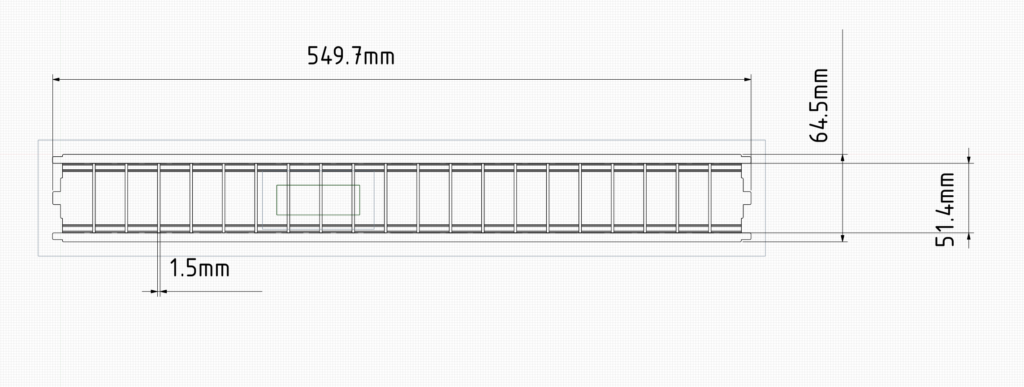
- Dimensions and annotations included
- Not a true flat pattern (formed view, not flat)
- Requires manual interpretation before cutting
- Contains duplicate or overlapping geometry
- Open or broken geometry (unclosed profiles)
- Files exported from paper space or layout view
- Multiple parts in a single file
Download Sample Files
Download examples below to see exactly what we can and cannot quote from.
Good Example Files
Clean, manufacturing-ready files suitable for fast and accurate quoting.
Bad Example Files
Examples of files that will be rejected or require rework before quoting.
These examples reflect common issues we see and are not suitable for quoting.